PORTFOLIO & APPLICATIONS / 2026

Software in use.

A collection of released software, developer platforms, commercial client work, and working browser applications. Every project solves a specific workflow problem with verified engineering choices and demonstrable outputs.

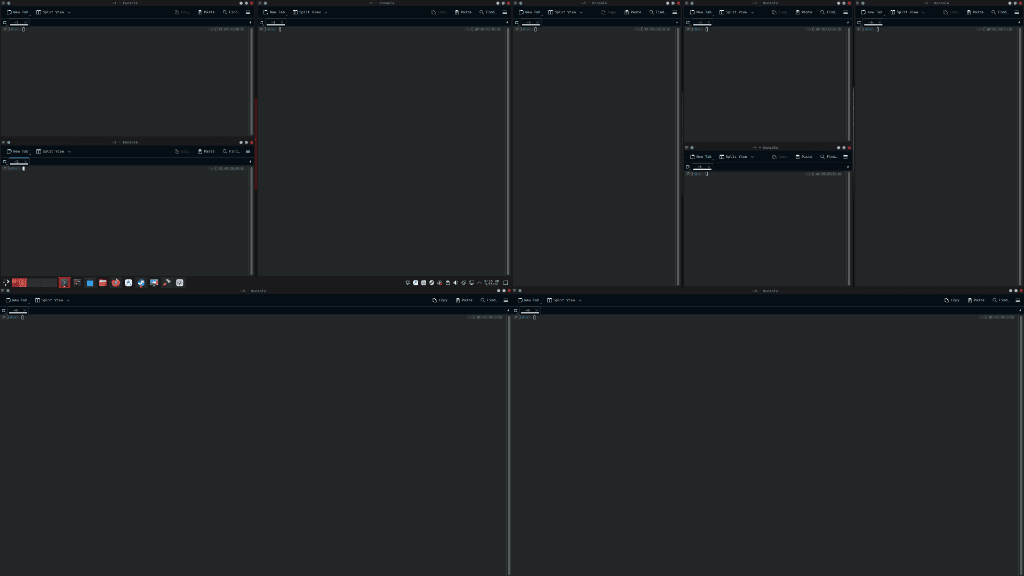
Tessera window-layout composition with tiled windows above and matching windows below
01 / KDE Plasma 6 · Desktop softwareReleased software · v1.0.2

Tessera

A KWin script for KDE Plasma 6 that arranges windows across monitors, with keyboard shortcuts, native settings and a public v1.0.2 release.

  • Automatic window layouts
  • Keyboard shortcuts
  • Public v1.0.2 release

The v1.0.2 release documents multi-screen placement fixes and native shortcut settings.

02 / Developer tool · Collaborative projectCollaborative public project

Codeward

A collaborative developer tool for AI-assisted code review, with terminal and GitHub workflows that organize findings into structured reports.

  • Code review tools
  • Command line and GitHub
  • Organized review reports

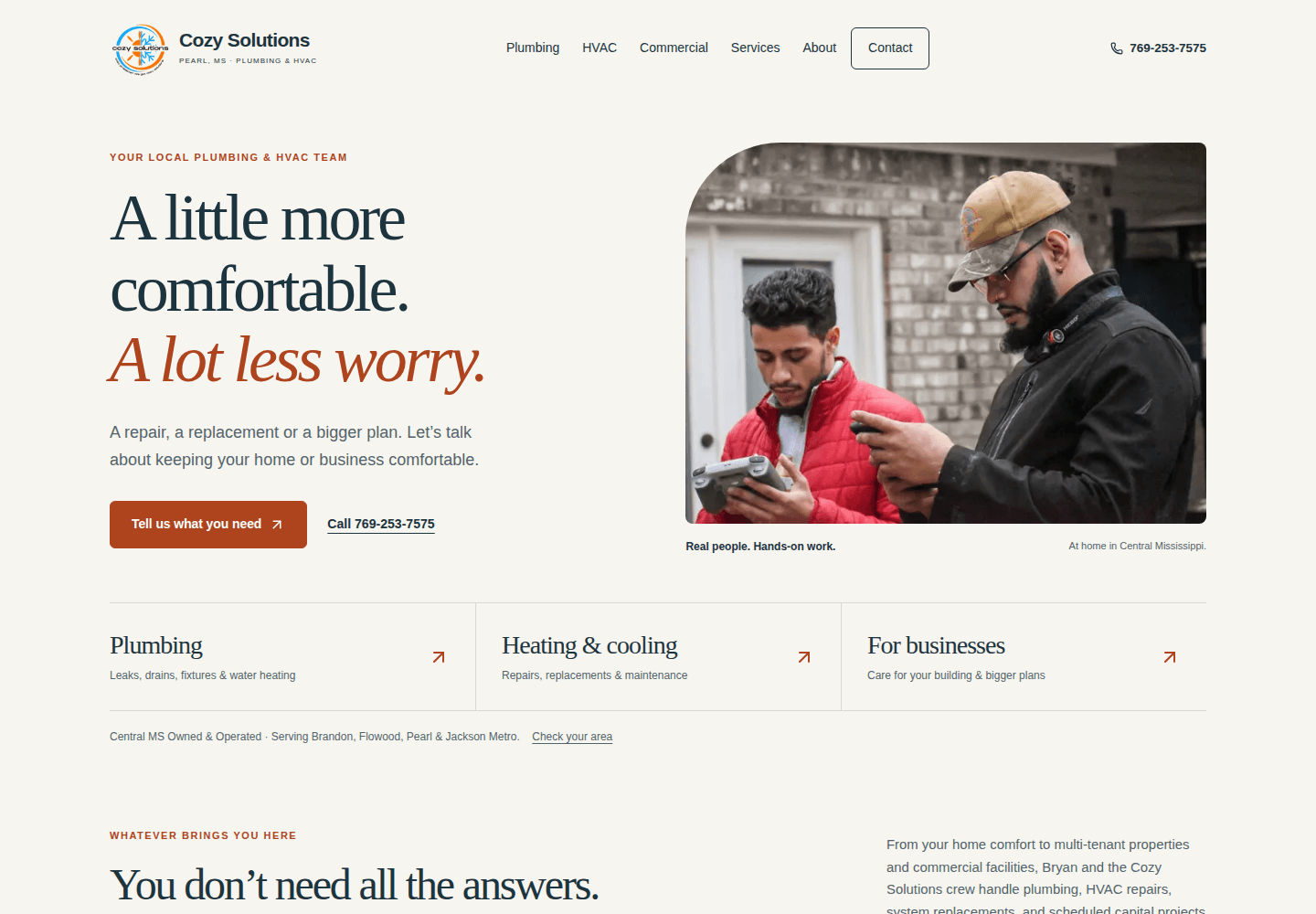
The artwork is an illustration. Explore the public project to see the software.

TESSERA / ENGINEERING NOTES / v1.0.2

Keep the window.
Keep the intended screen.

A release-backed look at one multi-monitor fix. This describes the project’s published evidence, without assigning individual authorship.

  1. Problem

    On vertically stacked displays, a window snapped near the lower edge of the upper display could land on the screen below.

  2. Decision

    The release records output affinity by window ID and guards output changes during animation. The intended display survives KWin’s recreation of JavaScript window wrappers.

  3. Verification

    The v1.0.2 notes report 452 unit tests and 25 matching simulation traces, plus live X11 testing on three displays. These are reported release results, not tests rerun for this website.

InputWindow + intended upper display
Retained affinityWindow ID → target output
PlacementSnap on the intended display
Explanatory flow for the fix; an illustration, not a desktop screenshot or an execution trace.

The repository keeps Wayland, physical cable hotplug and the side-by-side theme audit as separate unexecuted or deferred live checks. Automated tests do not establish those outcomes.

Sources inspected 19 October 2026 · release commit e400a79. A project case study, with no claim of fresh compatibility or performance certification.

BUILT TO USE / RELEASED SYSTEMS & APPS

Released apps &
workbenches.

Explore released systems, developer tooling, and working single-purpose browser applications. Every app runs locally with sample data.

Request a project

Browser apps keep records on this device; exports are portable backups you control. Workspaces start empty, and examples are opt-in. Screenshots use synthetic data; covers show actual working views. No real charges, outbound sending, server accounts or team sync.

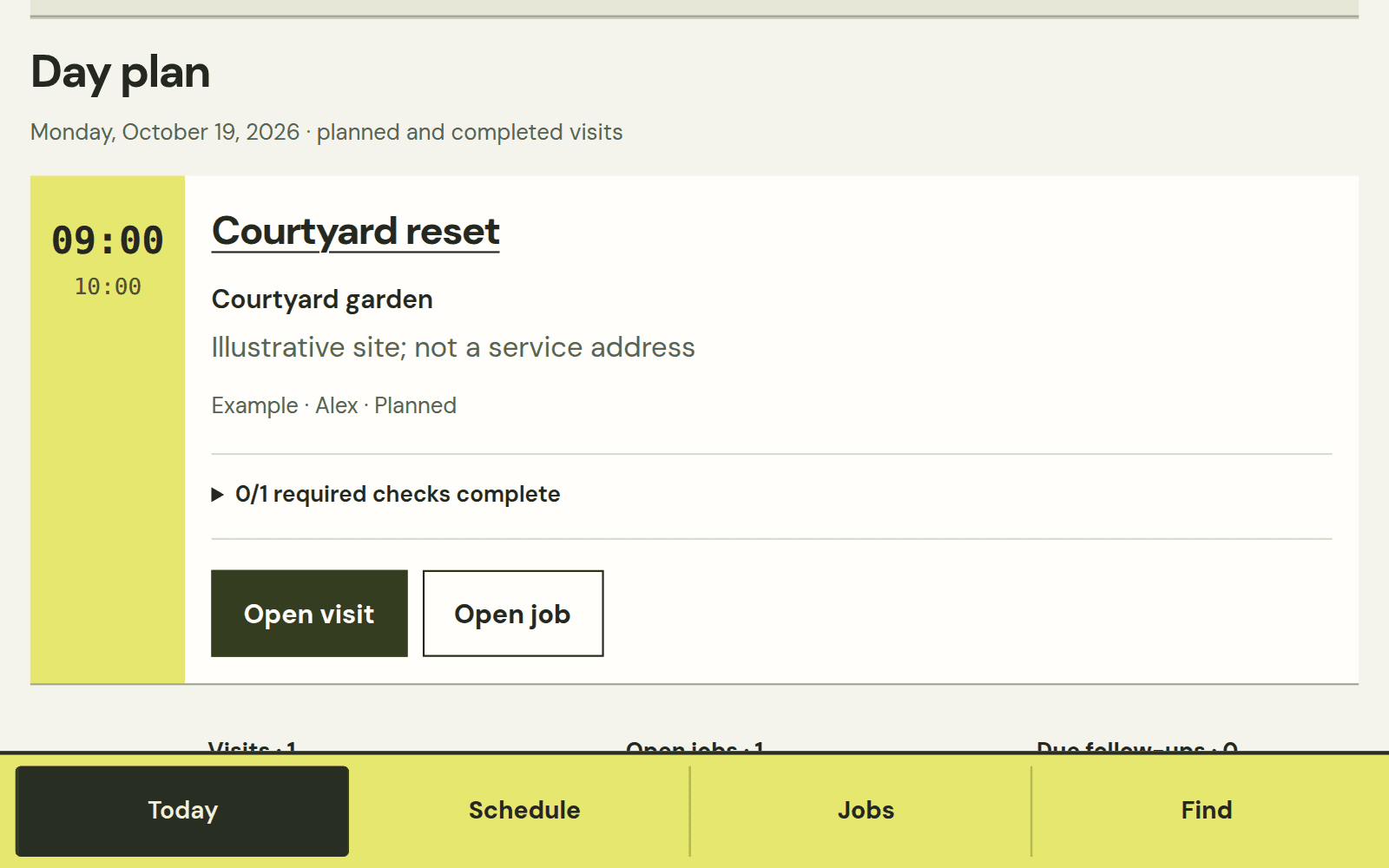
Fieldwork mobile layout showing the real dated example visit and job checklist.

Contractor CRM · local app

Working browser app · local data

Fieldwork

Carry a customer from estimate to visit, job checklist, service history and local invoice records.

Engineering choice

Accepted scope stays frozen while visits and job checklists keep moving. Invoice and simulated payment records retain their source relationships.

  • Daily visit plan
  • Service history & follow-ups
  • Invoices & local ledger
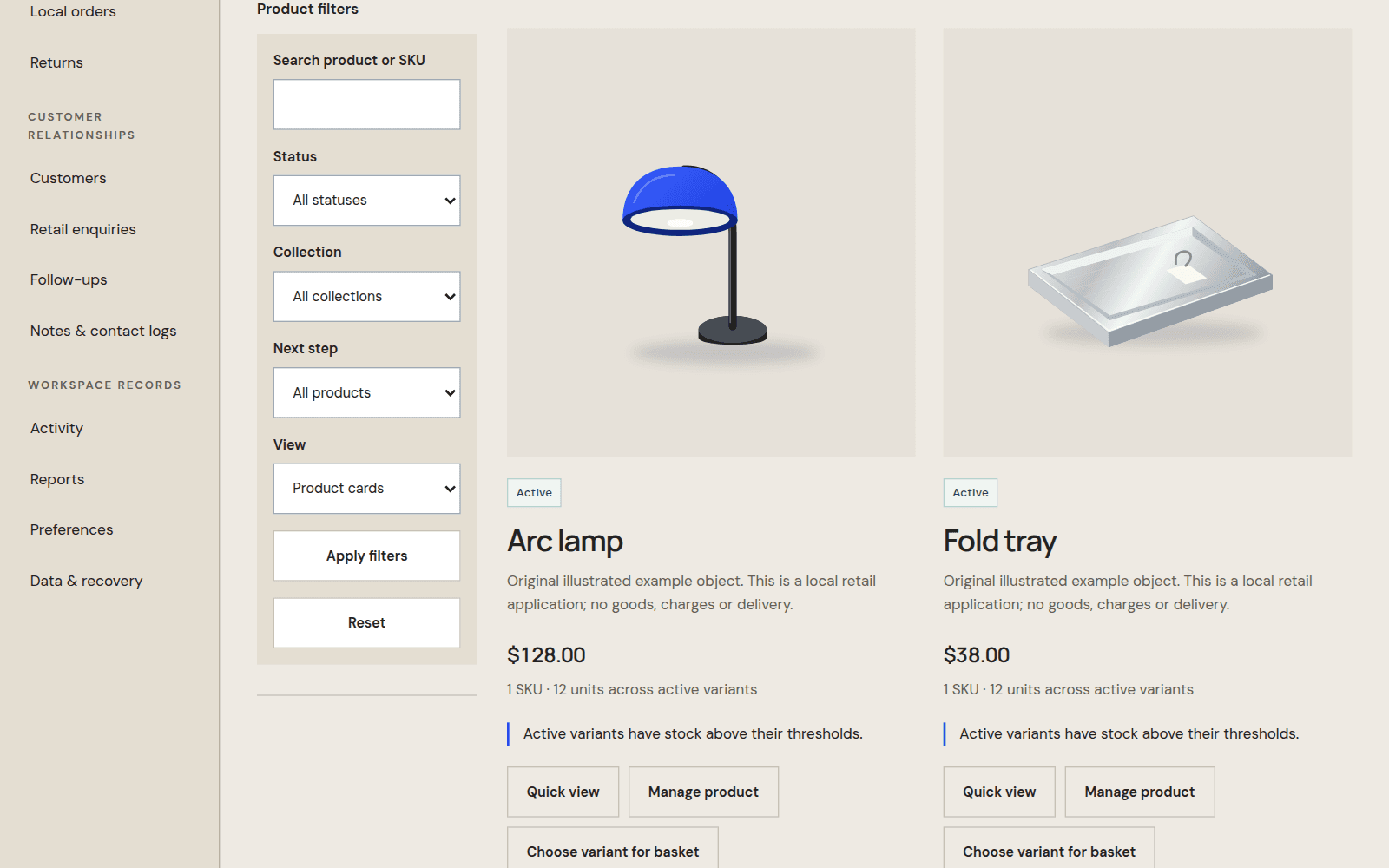
Forma object catalog with real variants and stock from its synthetic example.

Retail CRM & inventory · local app

Working browser app · local data

Forma

Connect suppliers and purchase orders to partial receiving, SKU stock, local sales and reasoned returns.

Engineering choice

Stock comes from saved movements, and recorded orders retain their own snapshots. A basket is preparation, not a stock reservation or a real checkout.

  • Catalog & SKU stock
  • Purchasing & receiving
  • Sales, returns & reports
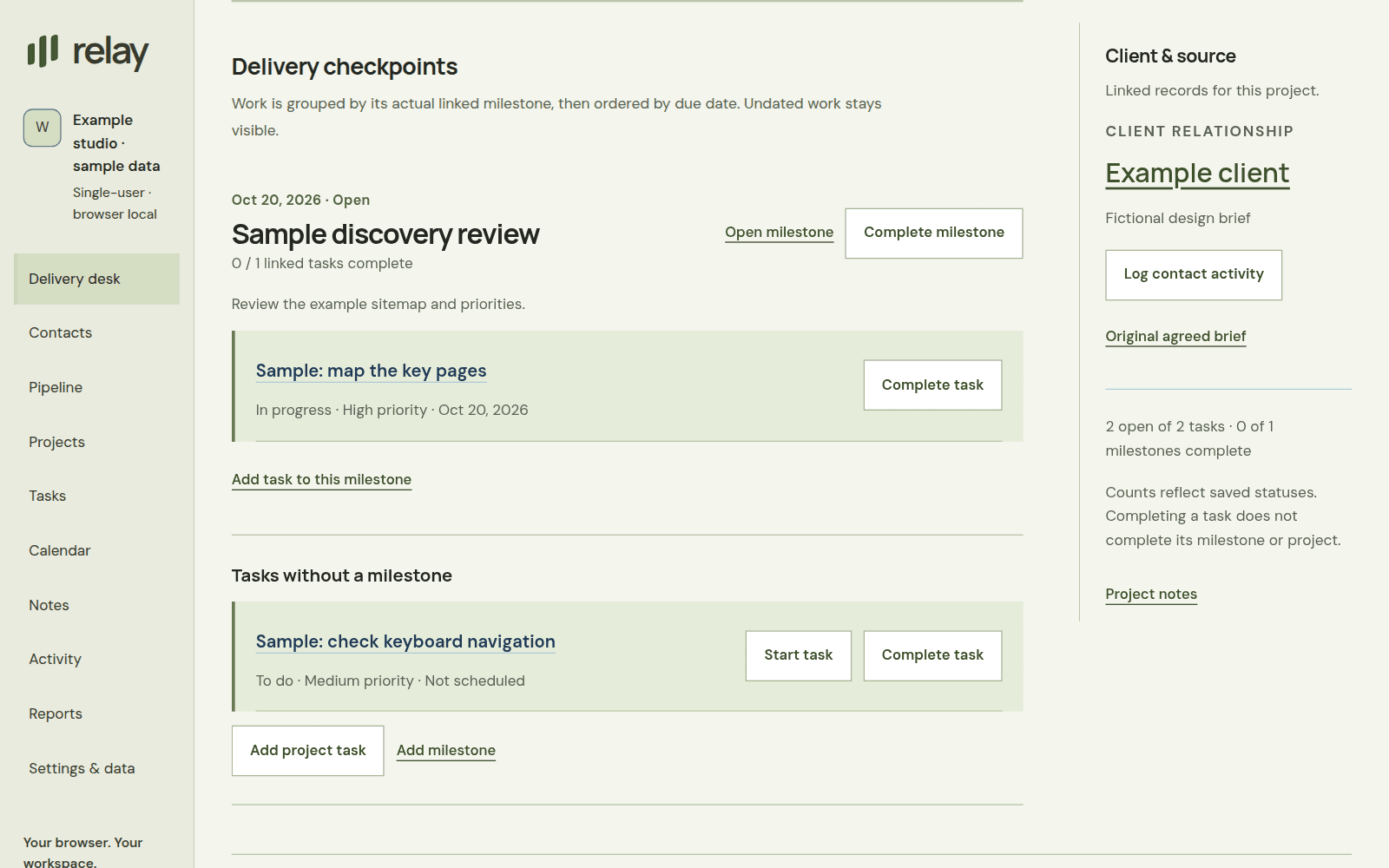
Relay delivery dossier showing agreed scope and checkpoints.

Agency CRM · local app

Working browser app · local data

Relay

Move from client and proposal revisions to accepted scope, delivery milestones, invoices and manually recorded payments.

Engineering choice

Tasks link to actual project milestones. Completing a task changes that task; milestone and project completion remain explicit decisions.

  • Clients & itemized proposals
  • Delivery checkpoints
  • Invoices & payment records
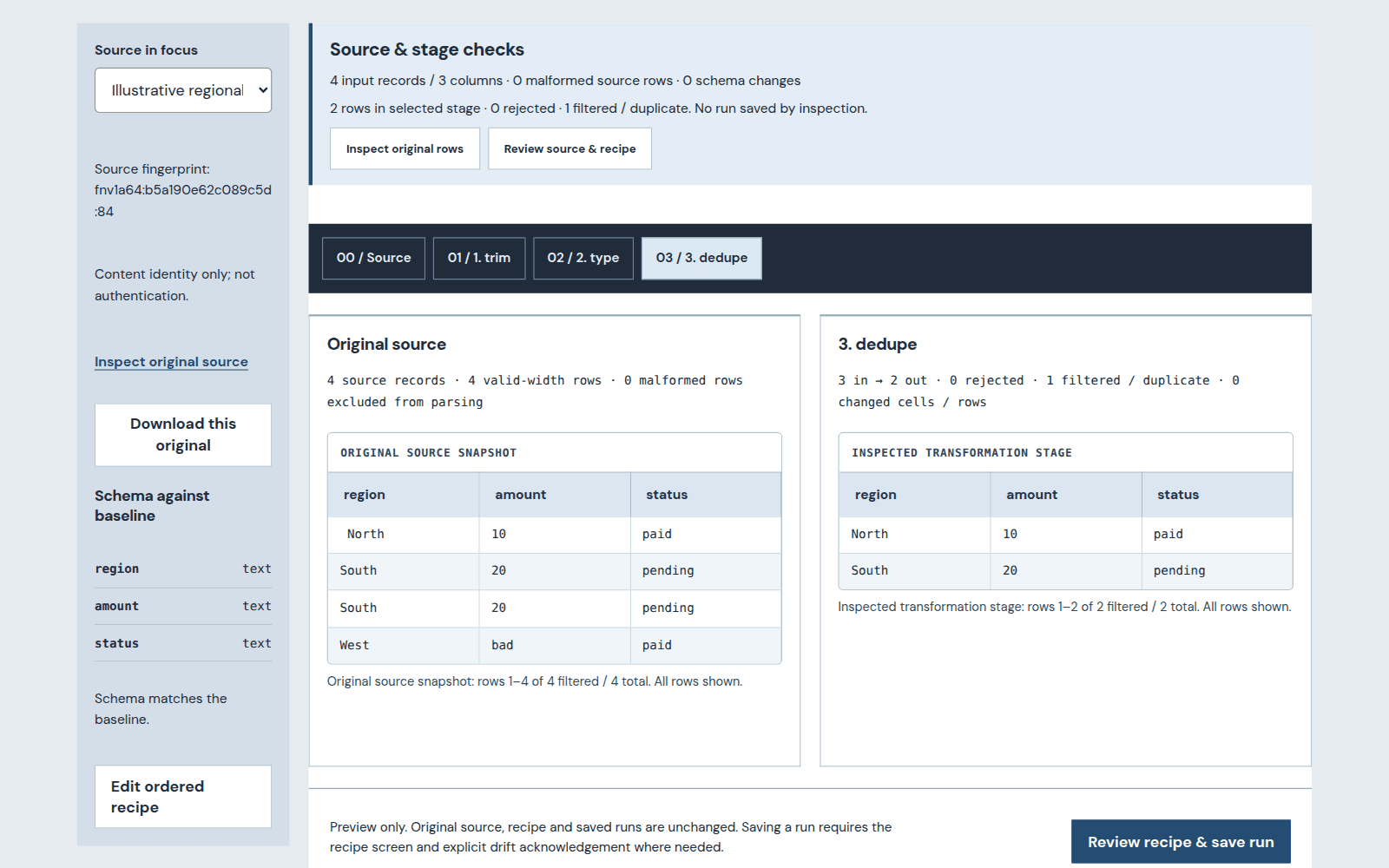
Table workbench showing immutable source rows and recipe stages.

Data preparation workspace · local app

Working browser app · local data

Table

Map incoming columns, review changes against immutable CSV sources and save reproducible recipes, runs and outputs.

Engineering choice

Original CSV snapshots stay immutable. Each recipe stage can be inspected before a reproducible run is saved and exported.

  • Original vs. stage
  • Reviewed column mapping
  • Reproducible CSV output
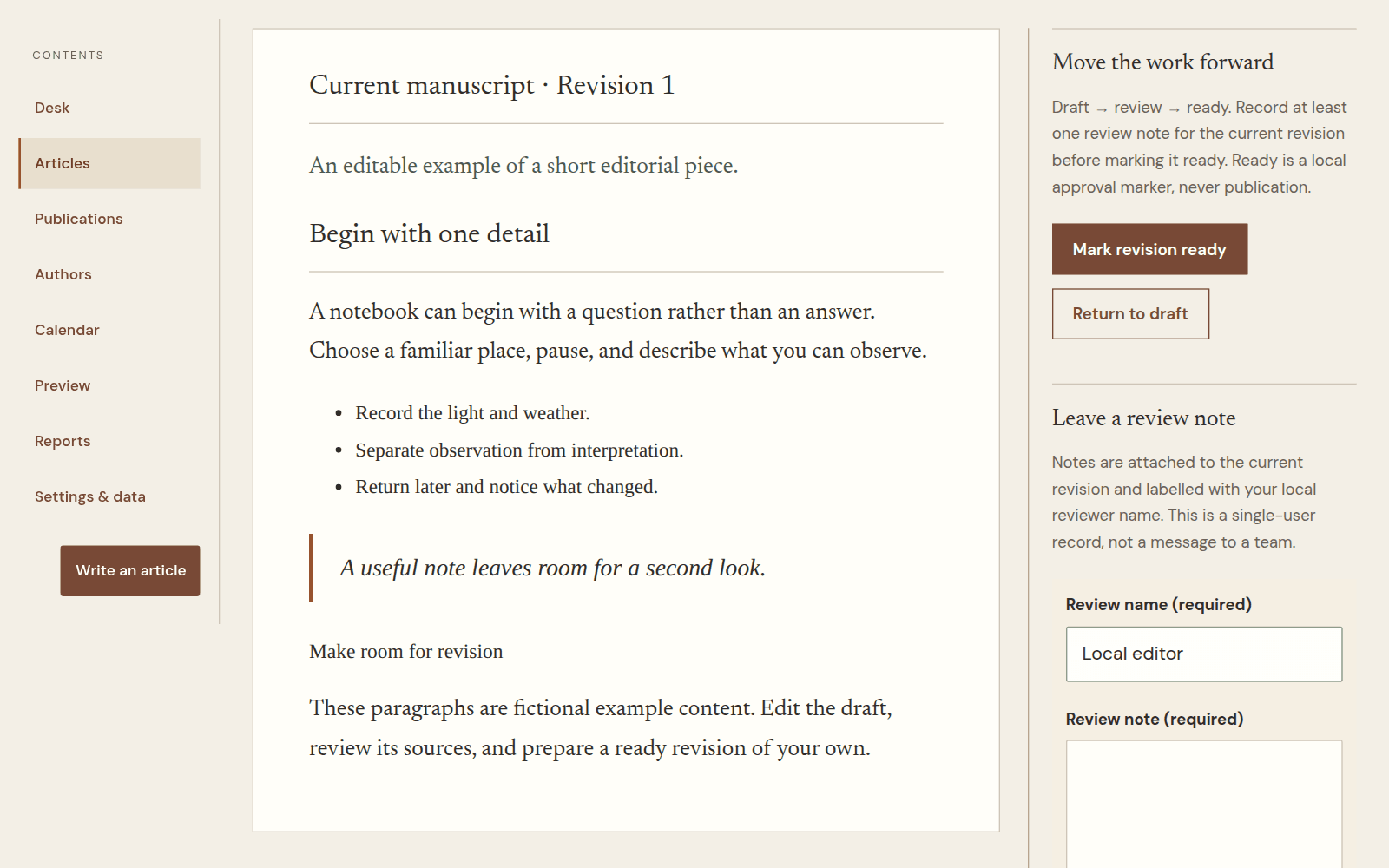
Outline manuscript and revision-specific review margin.

Editorial workspace · local app

Working browser app · local data

Outline

Carry manuscripts and owned images through revision-specific review into preserved ready editions and portable documents.

Engineering choice

Review notes belong to a particular revision. A preserved ready edition stays readable while a newer draft continues through editing.

  • Manuscripts & review
  • Preserved ready editions
  • Local images & portable HTML
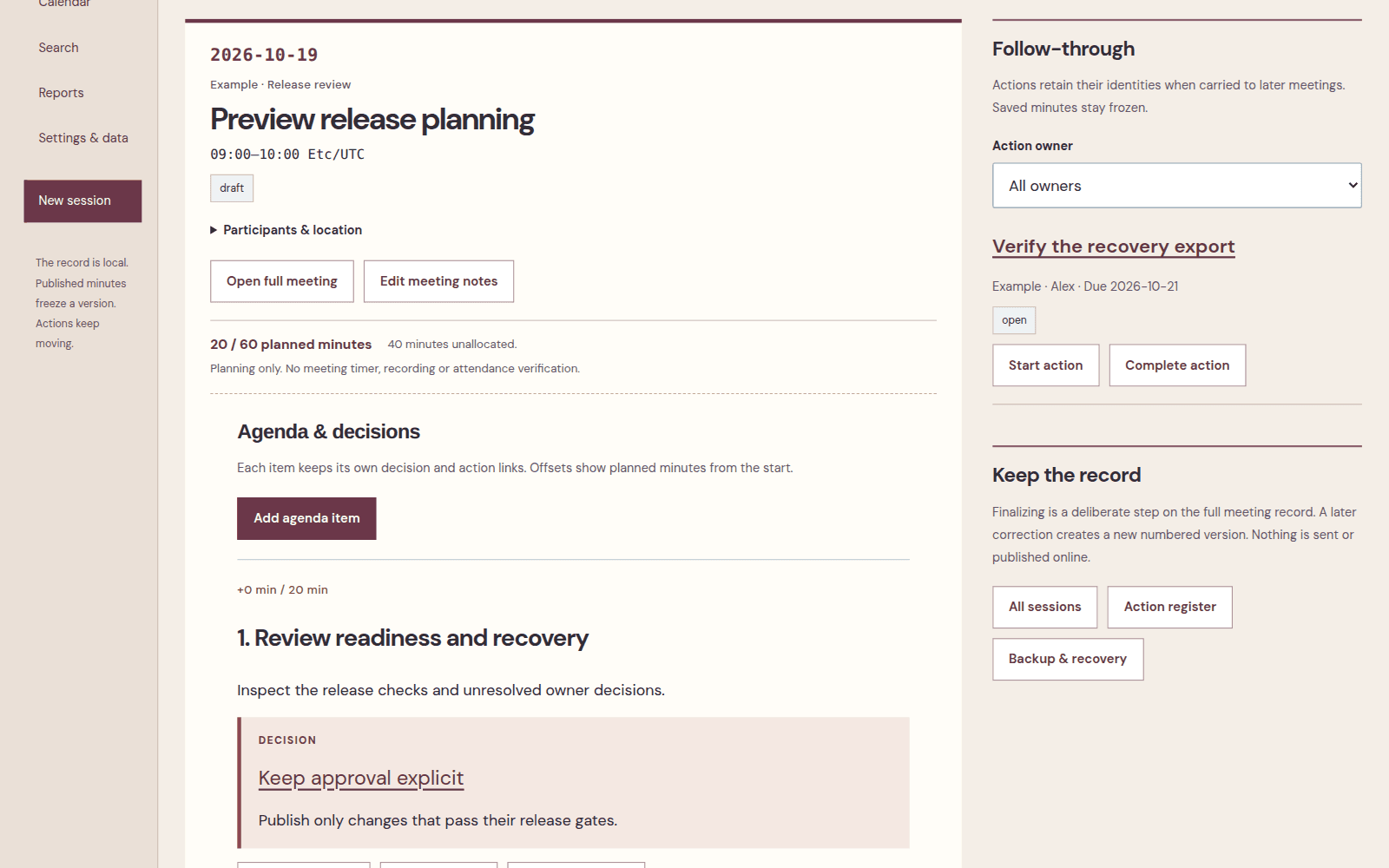
Minutes dated meeting agenda with decisions and owned actions.

Meeting record · local app

Working browser app · local data

Minutes

Plan recurring sessions, carry owned actions forward, check readiness and preserve numbered minutes with calendar exports.

Engineering choice

Decisions and owned actions stay attached to their agenda context. Corrections create a new numbered minutes version instead of rewriting the published record.

  • Agendas & recurring sessions
  • Owned follow-through
  • Frozen minutes & calendar
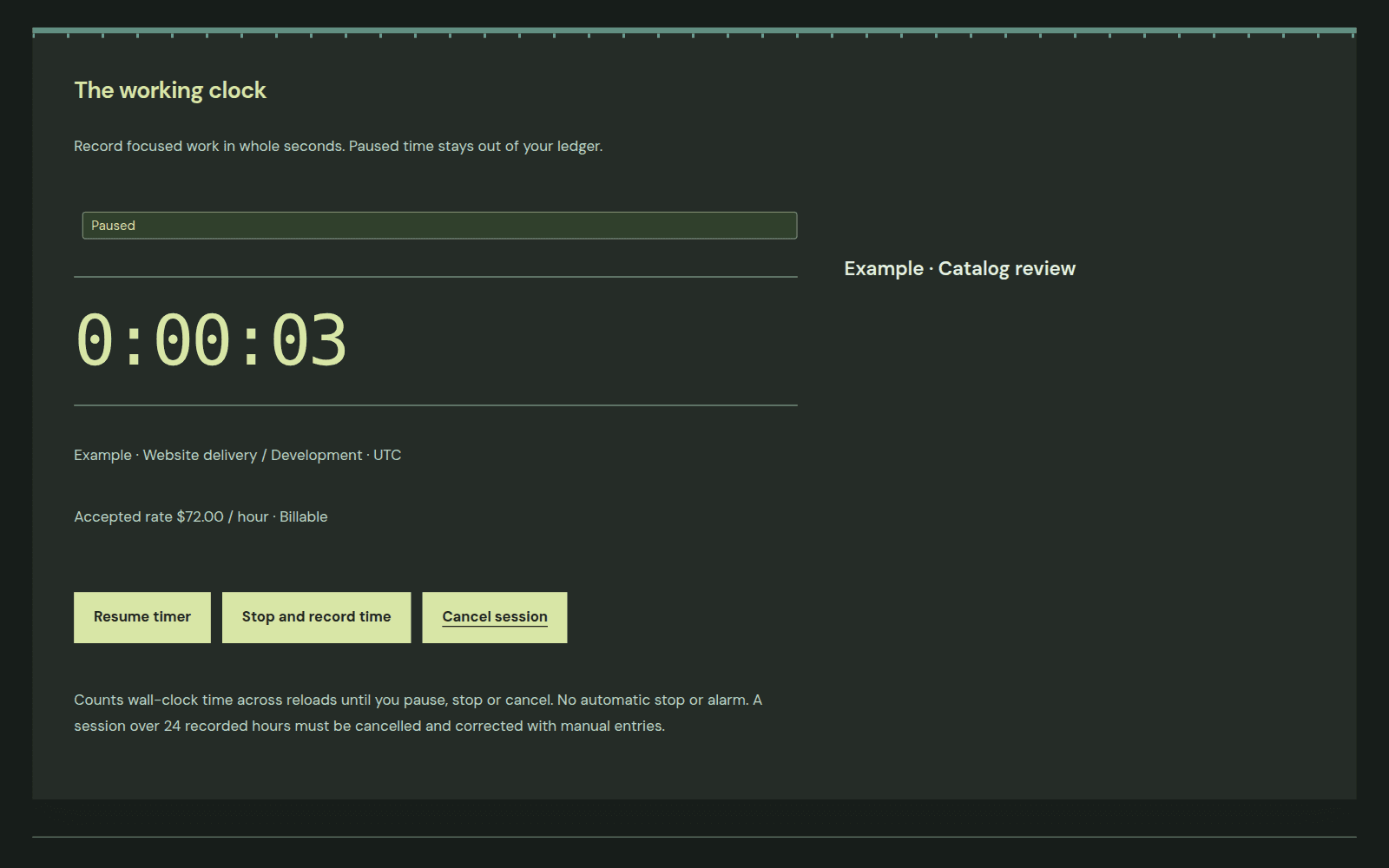
Sprint working clock paused on a newly started synthetic catalog review.

Time & timesheet workspace · local app

Working browser app · local data

Sprint

Plan work, reuse presets, record timed or manual actuals and review dated actual-versus-plan reports.

Engineering choice

Timers retain the rate accepted when they start. Paused intervals stay out of the dated ledger, and later rate changes do not rewrite recorded work.

  • Plans & reusable presets
  • Timer, actuals & reviews
  • CSV & source adjustments
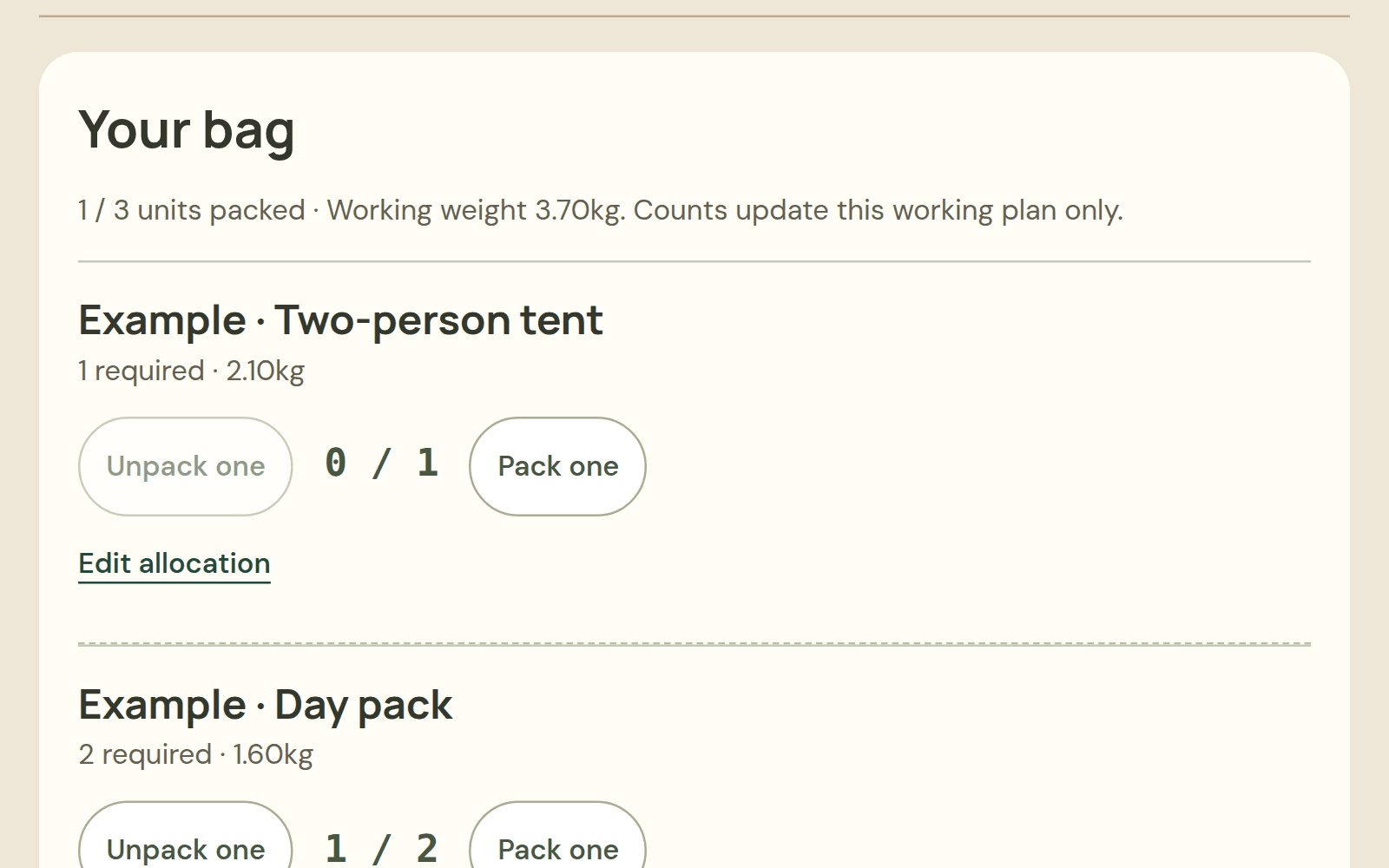
Kit mobile layout showing the actual example trip bag and packing controls.

Trip & equipment planner · local app

Working browser app · local data

Kit

Plan trips and packing, track equipment checkout and partial returns, and account for maintenance before departure.

Engineering choice

Packing counts use actual allocated quantities. A ready version preserves the trip at that point even when equipment details or later plans change.

  • Trips & reservations
  • Checkout, returns & maintenance
  • Preserved ready versions
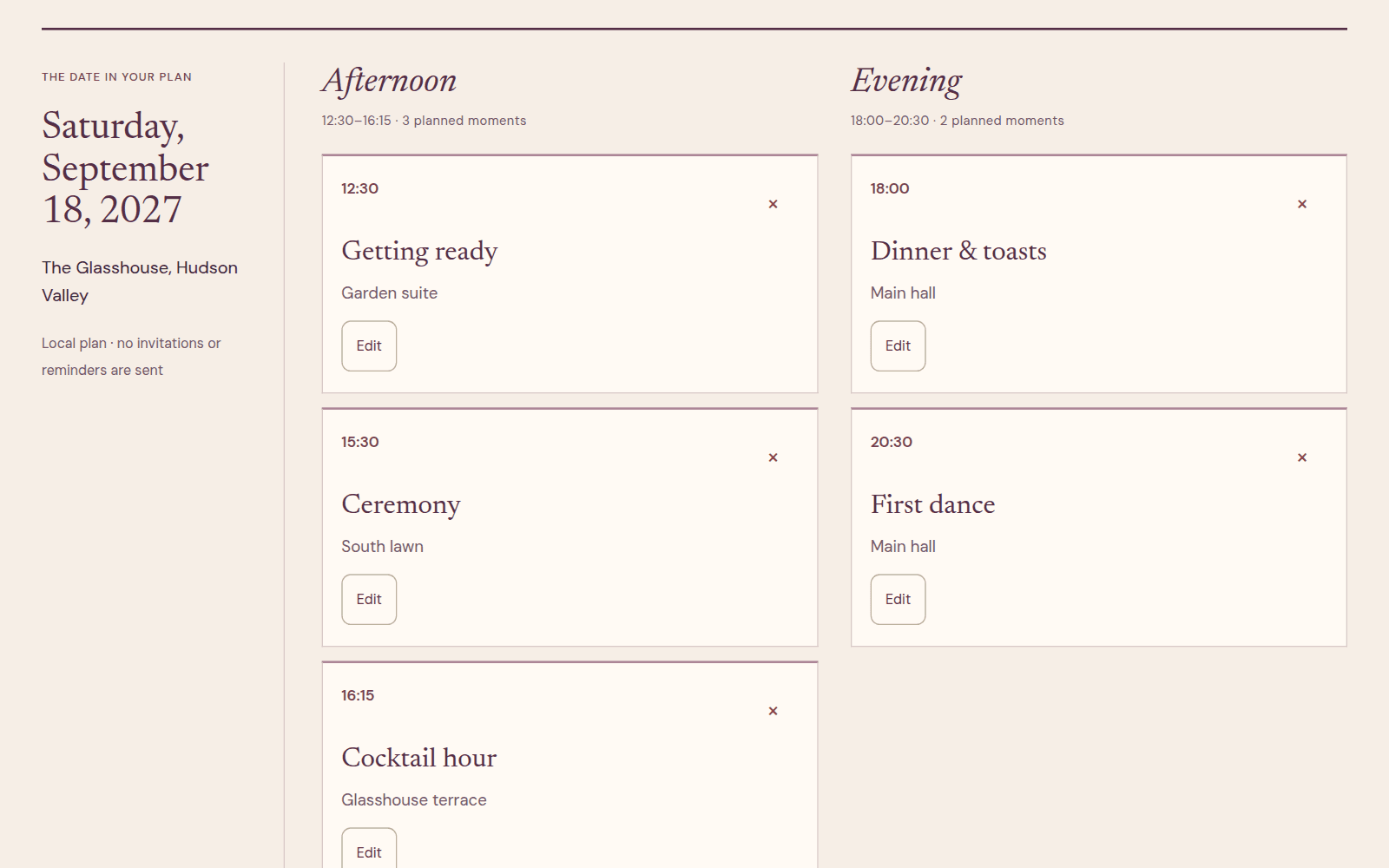
Daybook actual five-moment sample wedding-day chronology, grouped by time of day.

Wedding planner · local prototype

Browser prototype · local data

Daybook

Connect household RSVPs, seating capacities, vendors and budgets with a dated day plan and portable outputs.

Engineering choice

The run sheet groups the existing moments by time of day; it does not invent extra events. Data remains in this browser until exported.

  • Dated run sheet
  • Household RSVPs & seating
  • Budget, CSV & printable plan
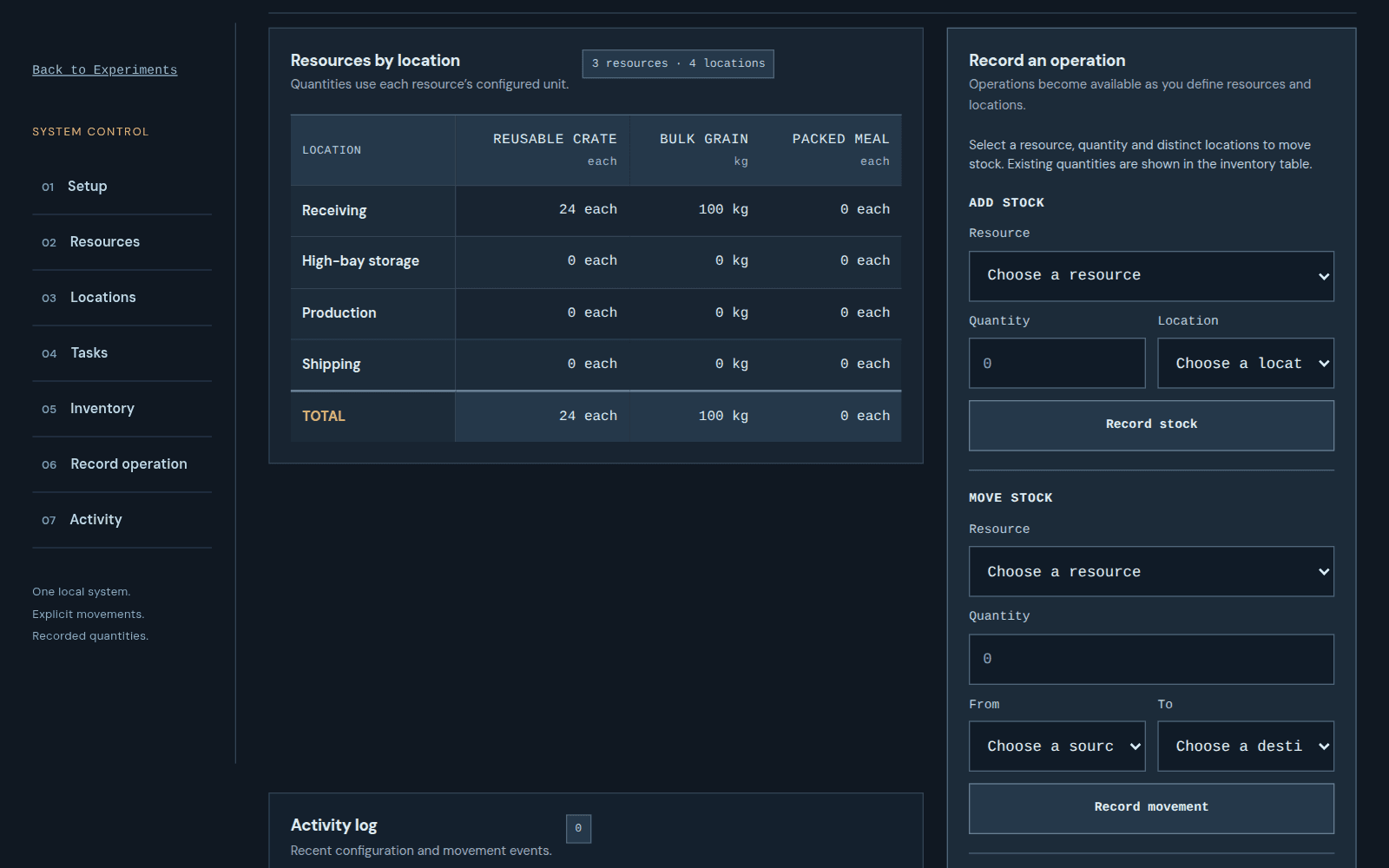
Wayfinder configured warehouse inventory with actual sample resources and stock quantities.

Operations workspace · local prototype

Browser prototype · local data

Wayfinder

Define resources and locations, receive and move stock, and fulfill real recorded demand with an activity trail.

Engineering choice

Configured operations use the actual warehouse example. This remains a single-browser prototype, without a server, shared accounts or live integrations.

  • Stock receipts & movements
  • Demand & fulfillment
  • CSV & recoverable backup
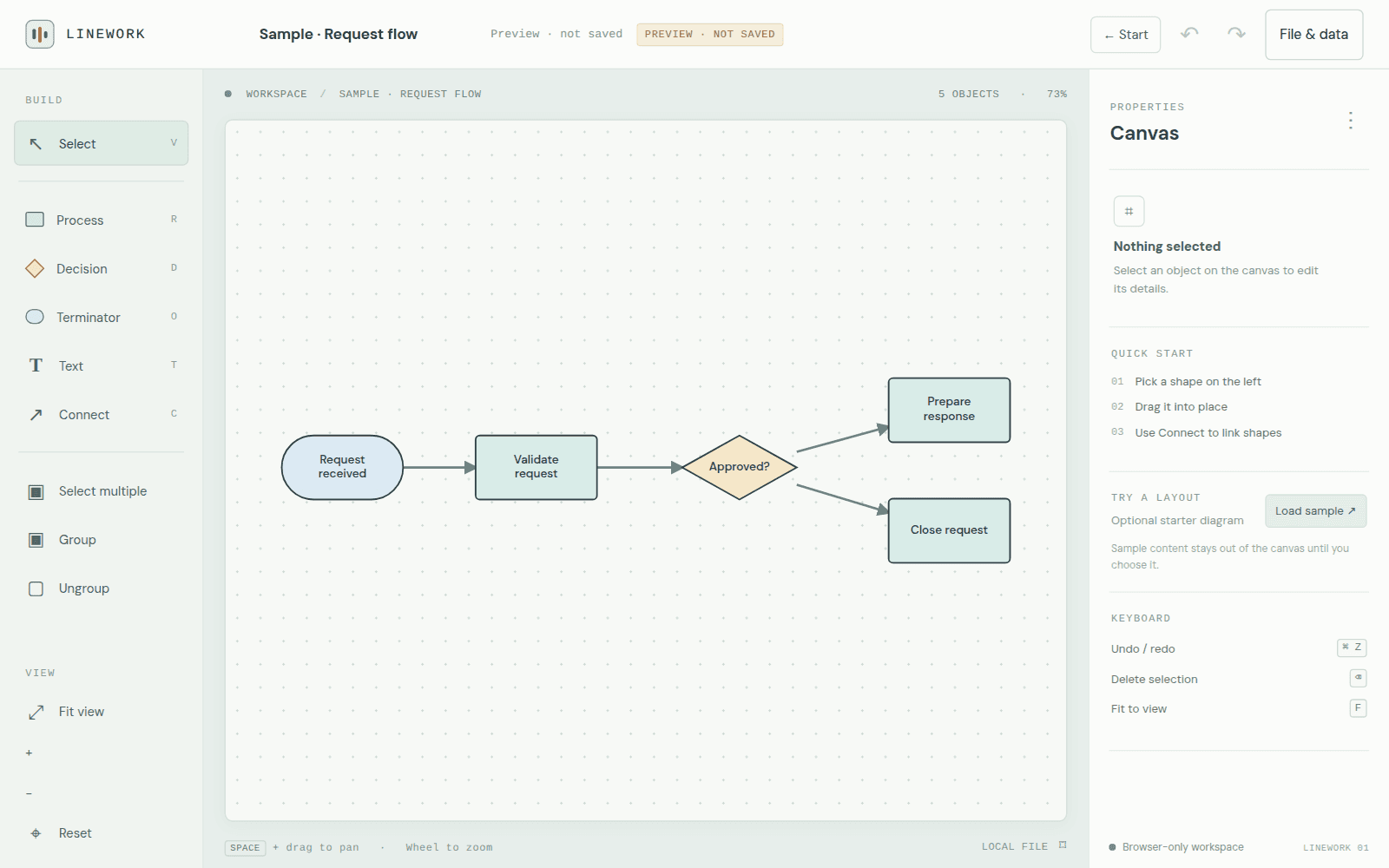
Linework actual five-node connected request-flow diagram on its editable canvas.

Diagram canvas · local prototype

Browser prototype · local data

Linework

Keep a library of editable diagrams, reuse templates and restore checkpoints as new documents before exporting.

Engineering choice

Nodes and edges stay editable in the connected example. Browser-local storage and portable exports do not provide collaboration or team sync.

  • Document library & templates
  • Canvas & saved checkpoints
  • Diagram exports

LABORATORY & INTERACTIVE STUDIES

Experiments

Working prototypes, spatial studies, and graphics sandboxes separate from the primary production software and released applications. Each experiment explores a specific interaction pattern, local data structure, or 3D technique.

PROTOTYPE · LOCAL DATA

Wayfinder

Local logistics prototype exploring resource movements, multi-location demand, and deterministic production workflows. Configured with a sample warehouse model; workspaces remain single-browser only.

PROTOTYPE · LOCAL DATA

Linework

A local diagram workbench with an editable connected canvas, shape libraries, checkpoints, and portable JSON/PNG export.

PROTOTYPE · LOCAL DATA

Daybook

Wedding planning journal and run-of-show chronology with guest RSVP tracking, seating capacities, vendor budgets, and JSON backups.

INTERACTIVE 3D STUDY

Workbox

A plain-material Three.js 3D interactive study investigating mechanical packing, component stacking, and case closure.

LOCAL DEMO · DETERMINISTIC

Idea Explorer

A navigable graph of deterministic prompts for exploring a topic. This is a local structural tree demo; topic-aware generation is not connected.