SERVICES & CAPABILITIES / 2026

Design, build, connect.

From customer-facing web interfaces to internal operations tools and Linux systems: I help businesses and teams build new software, repair and improve existing codebases, and automate repetitive manual steps. Every project is scoped with agreed deliverables, clear milestones, and complete client code ownership.

PRIMARY OFFERINGS

Six areas of practice.

Select a service to see what is included, typical fits, and what we agree before starting.

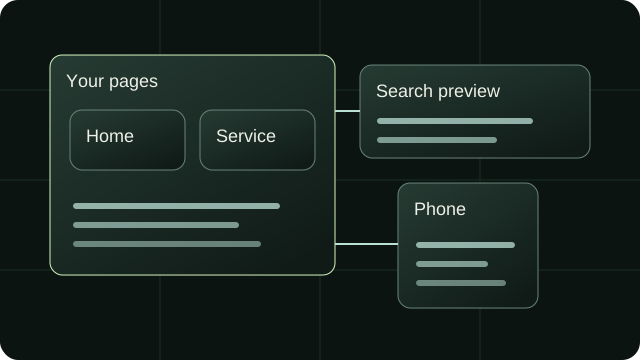
Illustration connecting website pages to a search preview and a phone layout.
Illustration · Clear pages, connected views.
01 / SERVICEBuild a website

Websites & interfaces

Websites and interfaces with clear structure, responsive layouts and a direct path to the next step.
  • New websites
  • Mobile-friendly pages
  • Search basics
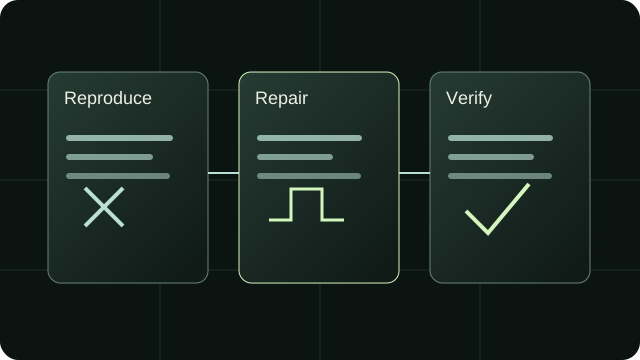
Illustration of reproducing a failure, repairing it, and checking the result.
Illustration · Reproduce. Repair. Verify.
02 / SERVICEFix or improve a website or app

Software maintenance

Trace faults, repair broken behavior and improve existing software while preserving the parts that already work.
  • Bug fixes
  • Site improvements
  • New features
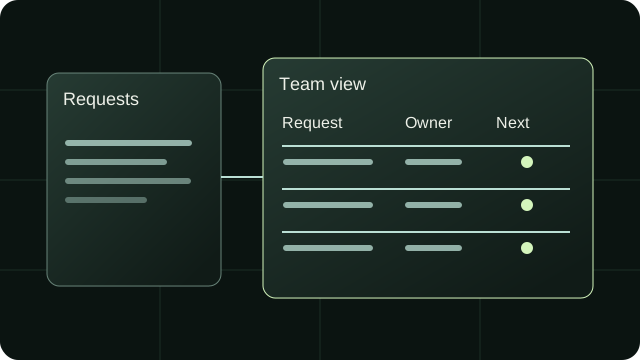
Illustration of requests flowing into a team view with an owner and next step.
Illustration · An owner and a next step.
03 / SERVICEBuild a business tool

Internal systems

Focused systems for records, reporting and day-to-day operations, shaped around how the work actually happens.
  • Work tracking
  • Reports
  • Team tools
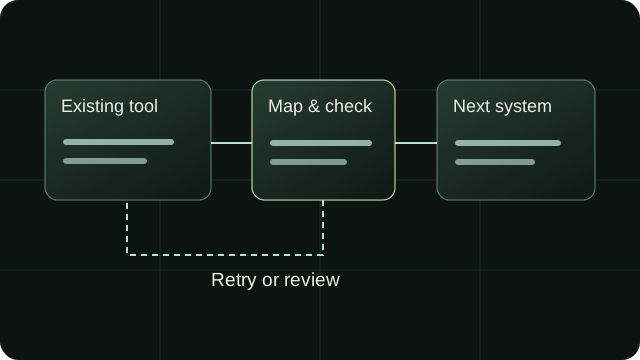
Illustration of data mapping between existing systems, with a separate retry or review path.
Illustration · A handoff with failure handling.
04 / SERVICEAutomate a repetitive task

Automation & integrations

Scripts and supported integrations that move information between tools, reduce repetition and make failures visible.
  • Connected tools
  • Fewer manual steps
  • Scripts & extensions
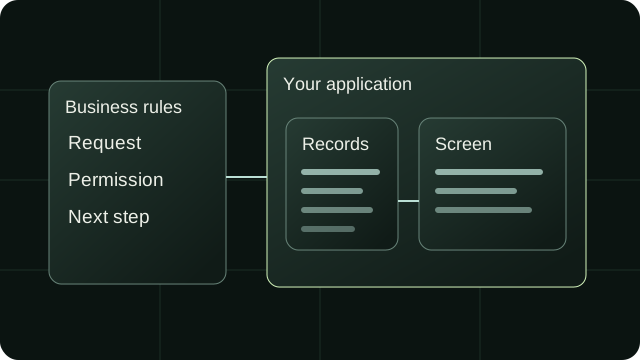
Illustration connecting business rules, records, and an application screen.
Illustration · Rules, records, usable screens.
05 / SERVICEBuild a custom web app

Custom applications

Web applications that connect interfaces, data and permissions around a specific workflow.
  • Web apps
  • Customer portals
  • Custom features
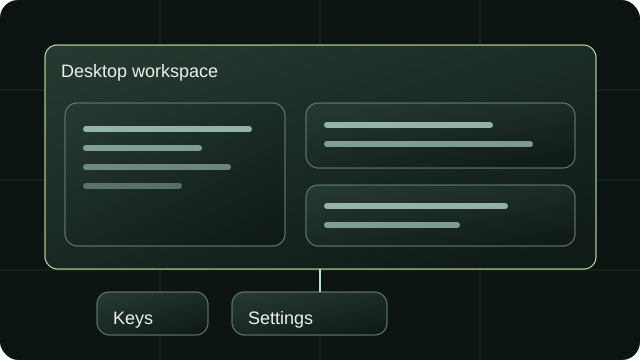
Illustration of a desktop workspace with arranged windows, keyboard controls, and settings.
Illustration · Tools that fit your workspace.
06 / SERVICEDesktop or Linux help

Desktop & Linux systems

Rust utilities and Linux desktop integrations, with installation, compatibility and recovery considered from the start.

  • Linux
  • Desktop utilities
  • Command-line tools

TECHNICAL PRACTICE

Core capabilities.

The tools and engineering disciplines applied across all client work.

Web Applications & Interfaces

Modern React and Next.js applications engineered with TypeScript, semantic HTML, and responsive CSS. Fast load times, clear user journeys, and interfaces built around what users need to do.

  • TypeScript
  • Next.js / React
  • Tailwind CSS
  • Responsive Design

Systems Engineering & Linux

Desktop integrations and systems programming. Native KDE Plasma 6 KWin scripting, C++ / Qt bindings, Rust command-line utilities, and POSIX shell automation for Linux workstations.

  • Rust
  • C++ / Qt / KWin
  • Linux / KDE Plasma 6
  • POSIX Automation

Internal Workbenches & Tools

Single-purpose operational tools that replace error-prone spreadsheets. Immutable CSV parsers, structured delivery dossiers, field dispatch systems, and inventory state machines.

  • Data Prep & CSV
  • State Machines
  • Local Persistence
  • Structured Backups

SEO, SSR & Web Standards

Search-engine-ready websites with clean server-side rendering, strict CSP headers, accessible ARIA landmarks, zero layout shifts, and semantic metadata that search crawlers understand.

  • Server Components
  • Semantic HTML
  • Zero Layout Shift
  • Strict Security Headers

ONE PROBLEM / THREE POSSIBLE SCOPES

Keep requests moving.

A customer asks for work. You need the right information, a clear owner and a reliable next step. These are three ways to solve that same problem.

Connect existing tools

A request moves from your form into the inbox or system you already use, with the right details attached.

A useful starting point when
Your current tools work well; one handoff keeps getting missed.
Responsibilities to agree
Agree the data mapping, API access and failure handling. Existing providers still control their features, limits and availability.
Discuss this scope

A shared team screen

Your team sees requests, owners and next steps in one place, with a workflow that matches the job.

A useful starting point when
Several people need to update and follow the same work.
Responsibilities to agree
Define roles, records and edit rules, then plan hosting, backups and support. Connections to existing tools may still be needed.
Discuss this scope

A customer portal

Customers can submit a request and follow its progress, while your team manages the work behind it.

A useful starting point when
Customer self-service is useful enough to justify an ongoing product.
Responsibilities to agree
Add account access, customer privacy and permission rules, plus a plan for notifications, maintenance and support.
Discuss this scope

Choose the smallest scope that does the job. Connecting existing tools can still involve substantial work; setup and ongoing costs depend on your systems and requirements. We agree the scope and how to check it before work starts.